
One of the best things you can do when you first get interested in FPV is buy a controller and start flying in an FPV simulator. It might sound a little boring, but most FPV pilots have gone through this stage — and for good reason.
Your first flights with an FPV drone will very often end in crashes: broken propellers, scratched frames, and sometimes even a lost drone. FPV simulators are the best place to make all these mistakes without any financial consequences.
Table of Contents
- Why do you need an FPV simulator in the first place?
- How much FPV simulator practice do you need?
- Which controller should you use for FPV simulators?
- How do you connect an FPV controller to a computer?
- Where can you get FPV simulators?
- Most popular FPV simulators
- Other FPV simulators
- What an FPV simulator doesn’t teach you
- Which FPV simulator do I recommend?
Why do you need an FPV simulator in the first place?
Like any other skill, flying a drone requires practice. No F1 driver practices only on a real track. F1 teams have simulators costing millions that accurately replicate the physics of the car, the track surface, and weather conditions. They are used not only for safety — if you crash an F1 car in a simulator, neither the driver nor the real car gets hurt — but also to save money. There’s no need to burn fuel, wear out tires, or rent a track.
It’s similar with FPV simulators. Before putting your first $500 drone in the air, it’s worth developing the skills that will help you avoid smashing it into pieces. Eventually, after putting in enough hours and reaching the point where you can fly through a track without crashing into everything, you’ll probably want to show off a little in front of your neighbor or a friend — or simply get more adrenaline by performing tricks like a Split-S or a Power Loop.
Anyone who has been driving for at least a few years probably doesn’t even notice themselves changing gears anymore or effortlessly parking at a shopping mall while talking to a friend and listening to the weekly Top Hits on the radio. Simulators help you develop the same kind of muscle memory for common flight maneuvers, so your movements gradually become smooth and automatic.
At the beginning, it’s not even that important for the simulator to perfectly replicate real-world physics. What matters is that the drone goes where the pilot wants it to go.
How much FPV simulator practice do you need?
So, how long do you need to “drill” before you feel comfortable putting your GEPRC Vapor-D5 in the air? Unfortunately, there’s no universal answer, but I can divide my own learning experience into several stages.
My first hours
The drone costs over $500. Until I start laying a golden egg every morning, that’s still a lot of money to me. So, even though I feel like I have enough simulator hours under my belt, I still get an extra rush of adrenaline when performing certain maneuvers over water. The thought of sinking something that expensive is pretty scary.
Your first 5 hours will probably be spent simply getting a feel for what each stick movement does. Understanding it comes very quickly — actually feeling it is a completely different matter. My first few hours were tragic. I literally kept thinking: why the hell did I start this nonsense?
I bought a RadioMaster Boxer and the Liftoff simulator right away (both on PlayStation 5 and Steam). It felt like I had thrown all that money down the drain. The best I could do was climb high into the air, somehow make a circle, and then crash back down.
A colleague encouraged me: don’t use Acro mode, switch to “potato mode” (that’s what he calls Horizon mode, where the drone returns to a level position when you release the pitch stick). At around the 5-hour mark, I finally started getting somewhere and began practicing in Acro.
The first breakthrough
By that time, I already had a BetaFPV Meteor75 Pro. I could fly a few meters before ending the flight stuck in the ceiling. I still haven’t repaired that ceiling — all because I was too lazy to drill for a few more hours.
At around the 10-hour mark, I could already fly a lap around the room. Since it was spring, every now and then, when it was dry outside, I could also go out and fly.
At around the 20-hour mark, I felt like I had hit a wall. I could fly, and I could already complete several courses in the simulator, but something still wasn’t working. Whenever I needed to make a sharp turn, the drone just wouldn’t listen — it would either keep flying straight or turn only slightly.
I started watching Joshua Bardwell’s YouTube tutorials (a great collection of lessons for beginner pilots). I understood that when approaching a turn, I needed to use both yaw and roll, but no matter what I did, I just couldn’t make a sharp turn.
Then, during one particular flight, something finally clicked. I realized that I was focusing much more on yaw than on roll. After a few hours of very deliberate flying, specifically concentrating on the roll movement, I managed to overcome the problem and rewrite the muscle memory in my fingers. From that point on, simulator tracks that had seemed impossible started becoming easier and easier, one after another.
When should you move on to a real drone?
It took me around 30 hours before I started building my first tracks for my tinywhoop and confidently diving through them (at my place in the countryside, using off-season tires, leftover boards, and garden hoses).
So, in my opinion, you need around 10–20 hours of FPV simulator practice before you can start flying a tinywhoop without worrying too much about it.
Realistically, you can take a real drone into the air once you feel that you can:
- calmly take off and land;
- fly a few laps around obstacles;
- maintain your spatial orientation while flying;
- control your altitude;
- fly for at least a few minutes without crashing into every corner around you.
Tinywhoop or a 5-inch drone?
That’s why I always recommend choosing a tinywhoop with propeller guards as your first drone — not only are they more budget-friendly, but they can also withstand the hard crashes you’ll have plenty of in the beginning.
If you want to fly a cinewhoop or a 5-inch freestyle drone, I would add at least another 20 hours of simulator practice on top of those first 10–20 hours. The huge increase in speed requires much stronger skills and faster reactions.
Which controller should you use for FPV simulators?
All you need to get started is an FPV controller, which I wrote about in my previous post. If you don’t have one yet and don’t want to invest in one right away, you can also try using a gamepad-style controller, such as a PlayStation 4, PlayStation 5, or Xbox controller.
However, you won’t develop the same kind of transferable FPV muscle memory with one, and you probably won’t get the full experience of the hobby either. A console controller is best treated as a temporary option until you get a proper FPV controller.
How do you connect an FPV controller to a computer?
As I already mentioned in my post about FPV controllers — never, ever turn on your controller without the antenna attached.
Two common ways to connect an FPV controller to your computer are:
- USB cable
- Bluetooth
Using a USB cable is the simplest and most reliable option. It also avoids the additional control signal latency that a wireless connection can introduce. Bluetooth can add noticeable latency, so for precise flying, a USB cable is usually the better choice.
When connecting your controller to a computer via USB, I recommend turning off the radio modules. There’s no need to transmit an RF signal while flying in a simulator, and disabling the modules can also reduce unnecessary power consumption.
The best option is to create a separate EdgeTX model specifically for flying in simulators, with the radio modules disabled. Models are a slightly more advanced topic, so for now, just follow the steps in the video and that’s it. By the way, this applies only to controllers running EdgeTX firmware.
However, if you don’t have a USB cable nearby and feel like flying in a simulator, you can also connect wirelessly by enabling BLE Joystick through the ExpressLRS Lua script.
Where can you get FPV simulators?
I’m not much of a gamer, so discovering Steam was a pleasant surprise for me. You’ll find almost all of the simulators mentioned in this article there. In some cases, they’re also available on PlayStation or Xbox.
Most popular FPV simulators
*Prices are accurate as of the time of writing and may change later.
The best FPV simulator isn’t the one with the best graphics or the most realistic physics, but the one you actually keep flying.
VelociDrone
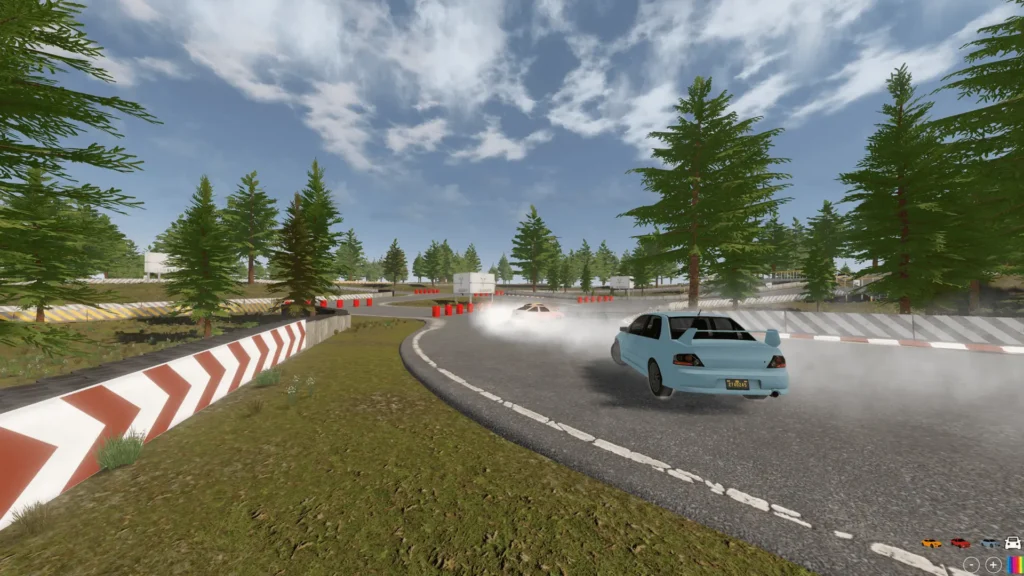
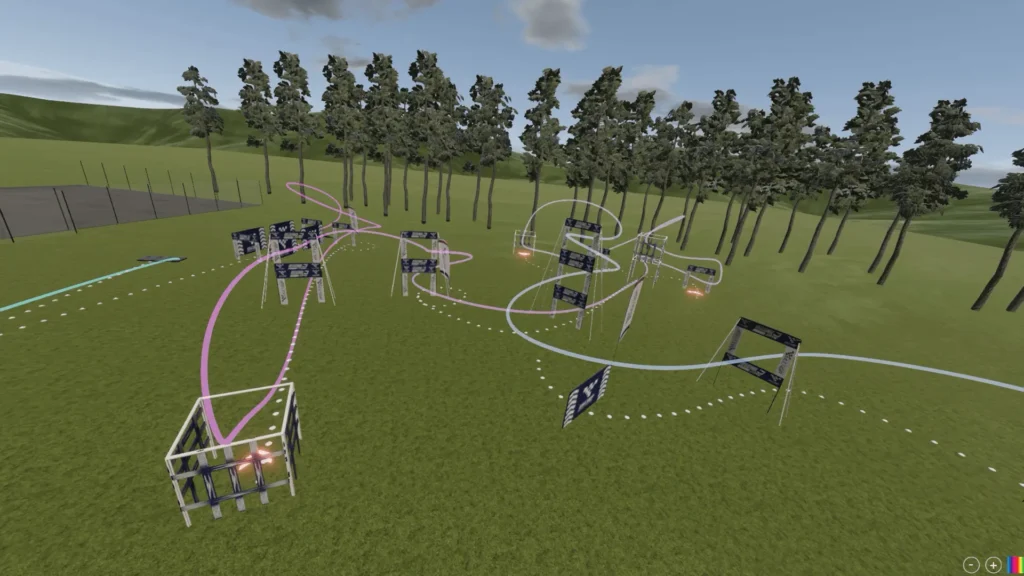
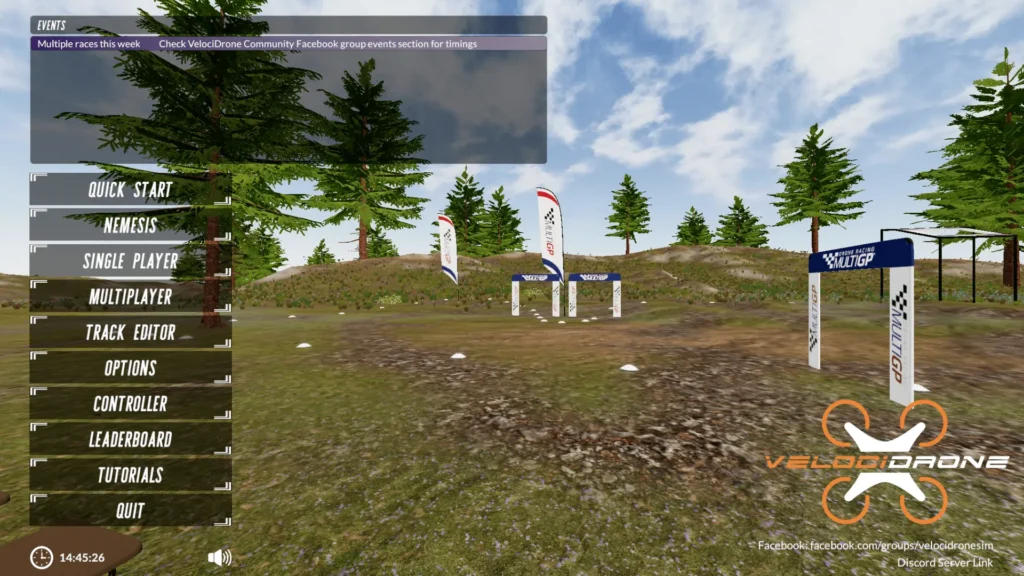
VelociDrone is one of the most popular and longest-running FPV simulators on the market. Although it isn’t the most impressive in terms of graphics, many FPV pilots appreciate it for its realistic physics and how well it prepares you for real-world flying. Team BlackSheep — TBS — also contributed to the development of the simulator. Yes, yes — the same TBS that also makes FPV controllers.
If your goal is to become an FPV racing pilot and compete in races and tournaments — both online and in real life — this simulator is definitely worth having in your collection.
Graphics: Fairly simple and somewhat reminiscent of older-generation PC games. The environments aren’t particularly detailed, but this allows the simulator to run smoothly even on less powerful computers.
Realism: One of VelociDrone’s greatest strengths. Many pilots consider it one of the most realistic simulators on the market, especially for freestyle and racing drones.
Drone selection: Very wide (I counted over 100, although it’s worth mentioning that this includes drones available through additional DLC packs). You can adjust the drone’s parameters to match the specs of a drone you already own or one you’re planning to get.
Track selection: Just like the drone selection — very wide. More importantly, you can also create your own tracks.
Online multiplayer: Yes. A large number of online tournaments are organized.
Popular among: Freestyle and racing FPV pilots.
Available on: Unfortunately, it isn’t available on Steam — you can only get it through the VelociDrone website.
Price (September 2026)*: £16.99 for the main package. Additional drones are available as DLC packs, which cost around £25 in total if you want all of them. And yes, those are British pounds — check the current exchange rate for the exact price in your currency.
A short video:
Liftoff®: FPV Drone Racing
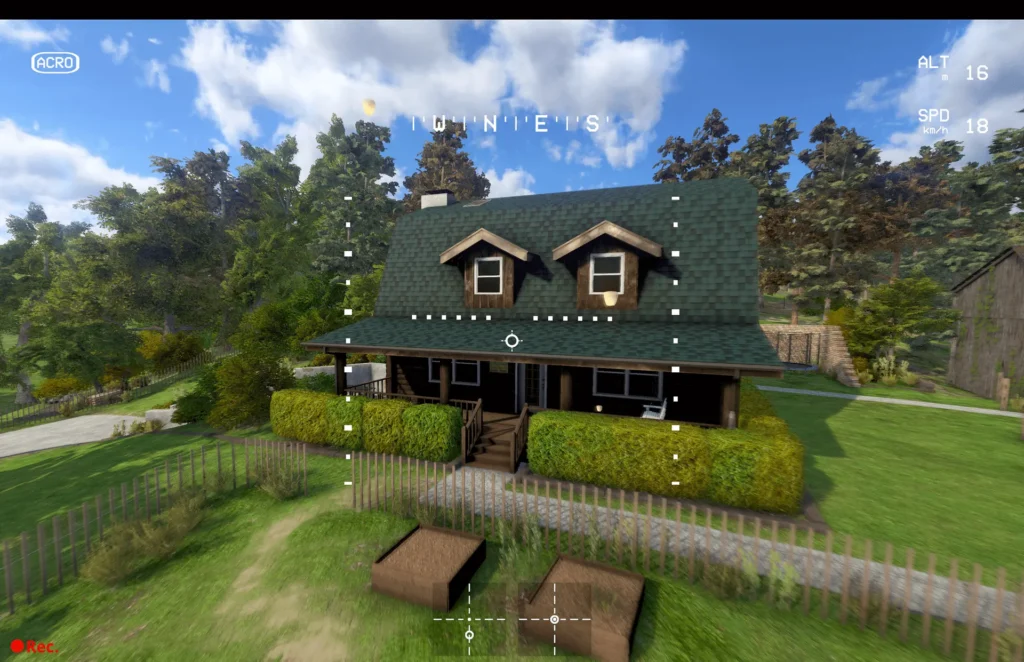
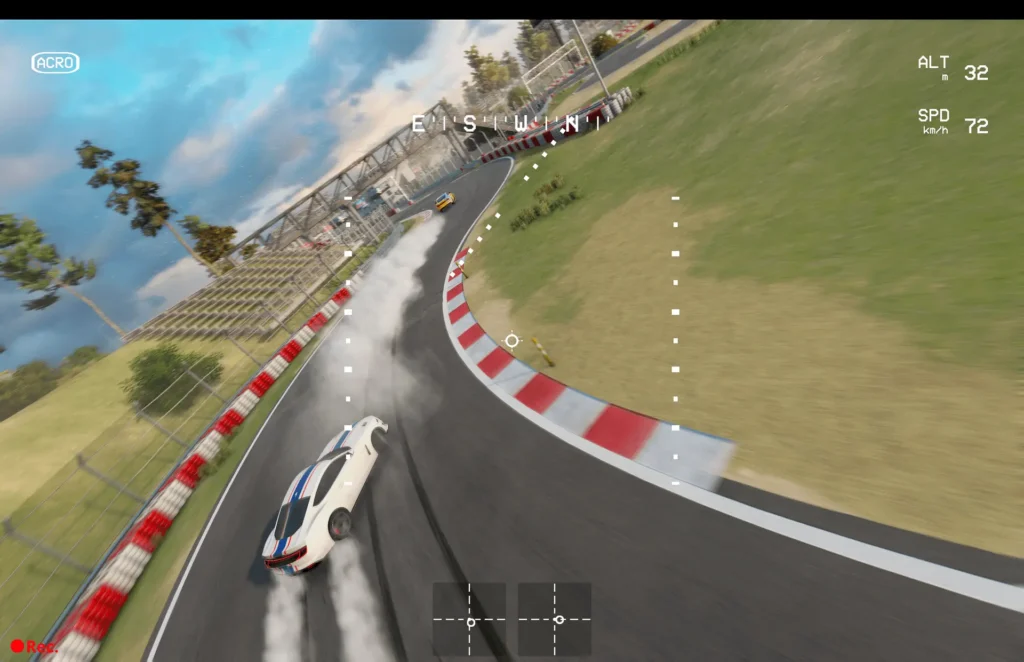
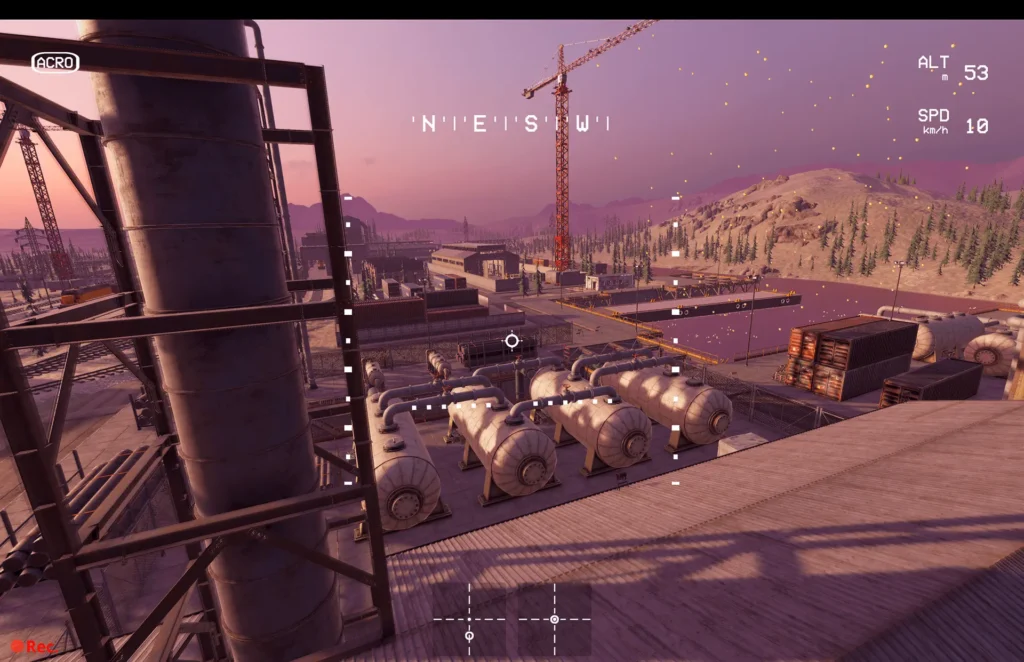
Liftoff is one of the most popular FPV simulators and a common first choice for beginners. It does a great job of combining realistic-enough physics, good graphics, and plenty of learning material, making it very beginner-friendly.
Graphics: Attractive and modern (compared to VelociDrone). The environments are detailed, colorful, and visually appealing. The simulator does a good job of conveying a sense of speed and feels more like a “game” than some of its competitors.
Realism: Realistic enough to learn how to control an FPV drone and prepare for your first real-world flights. The February 2026 v1.7.0 update introduced “Physics 6.0,” which the developers describe as their most realistic flight simulation yet.
Drone selection: Very wide (I counted around 40). You can also configure your own build, including swapping out individual drone parts.
Track selection: Large. Just like in VelociDrone, you can also create your own tracks.
Online multiplayer: Yes.
Popular among: Beginners, freestyle pilots, and those who enjoy good-looking graphics.
Available on:
Price (September 2026)*: $19.99 (Steam)
A short video:
If you’re more interested in smaller drones, there’s also a separate simulator called Liftoff: Micro Drones:
Available on: Steam
A short video:
Uncrashed: FPV Drone Simulator
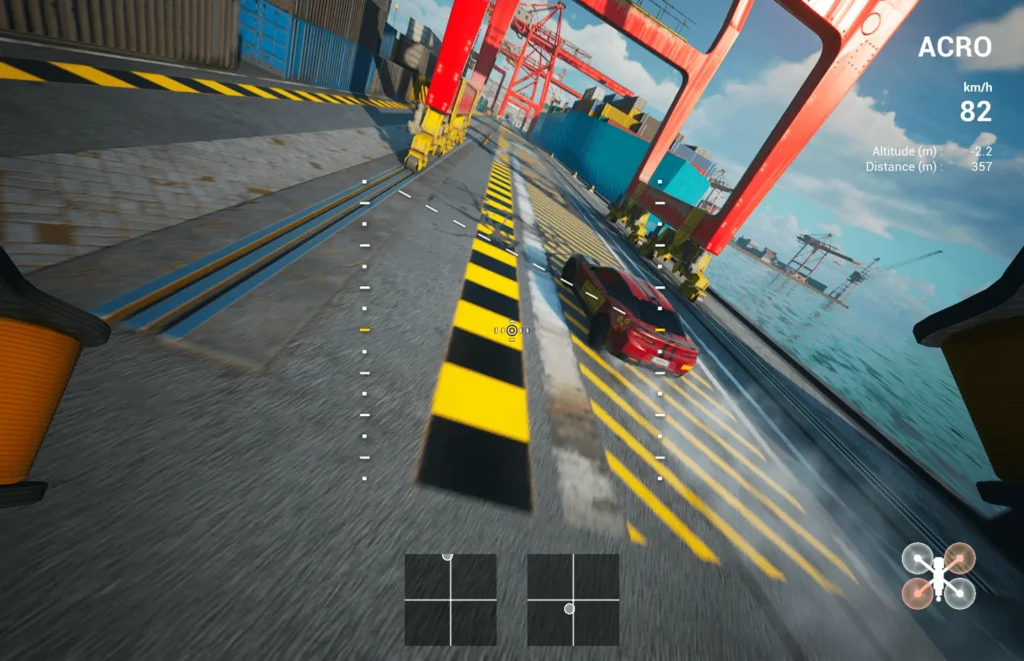
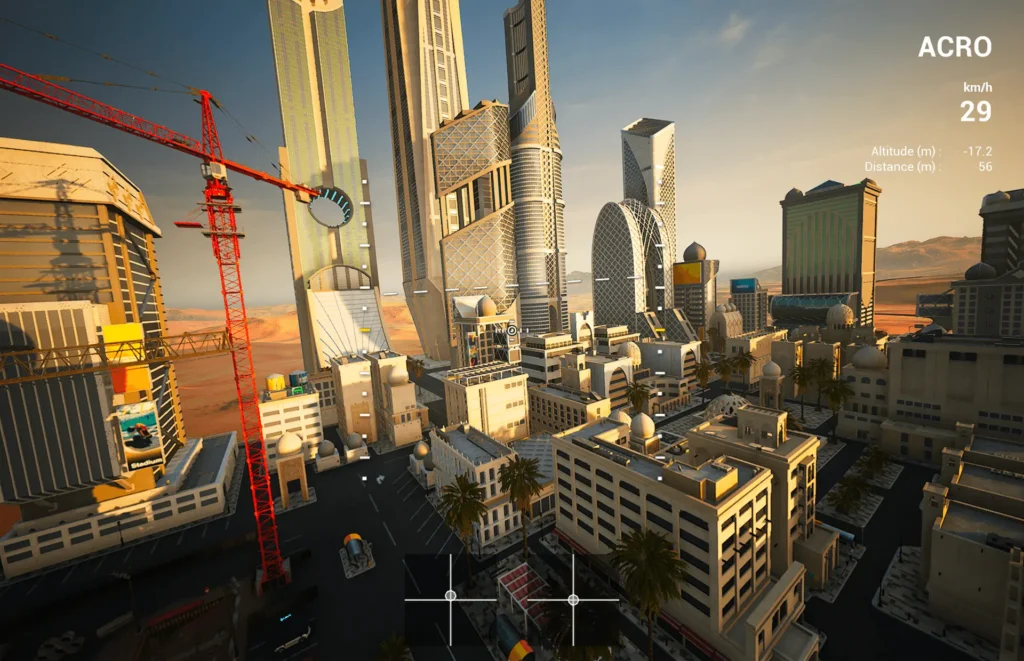
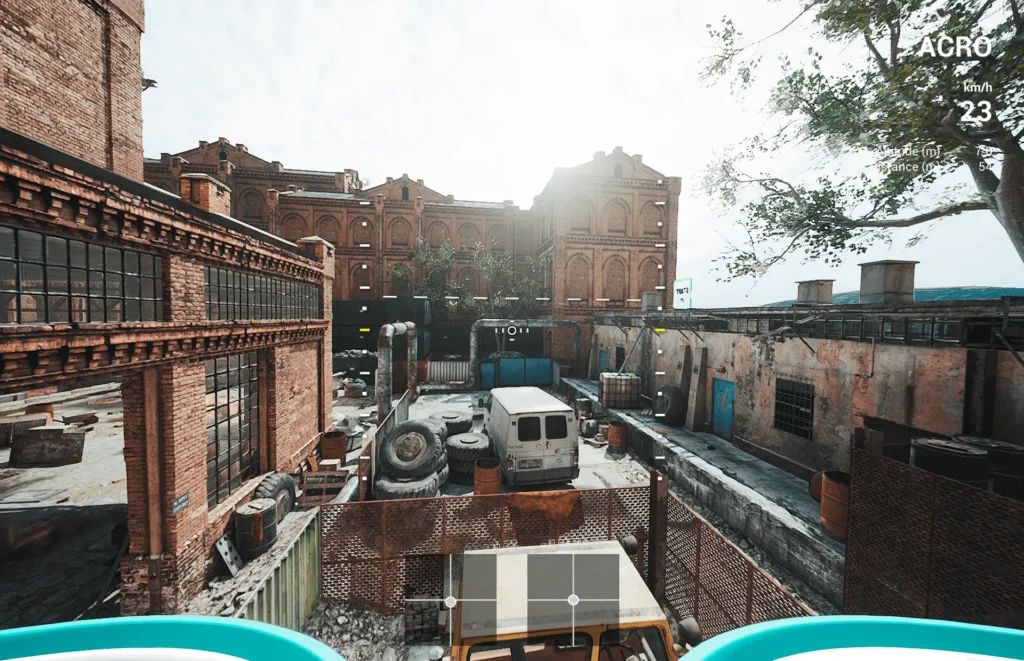
Uncrashed is a modern FPV simulator focused on freestyle flying and visually impressive environments. It’s often chosen by pilots who want not only to practice but also to simply have fun flying around beautiful locations.
Graphics: This is one of Uncrashed’s strongest points. The graphics are modern, with detailed textures, high-quality lighting, and impressive locations. Some maps look better than those in many other FPV simulators.
Realism: Realistic enough for learning and practicing. Opinions within the community vary, but the physics are generally considered good, even if some pilots don’t find them quite as convincing as VelociDrone’s. For freestyle practice, they are more than sufficient.
Drone selection: Quite wide. There are only a few drones available by default, but you can download community-created drones through the Steam Workshop. You can also adjust quite a few parameters and swap out drone parts.
Track selection: There’s a strong focus on freestyle environments. The maps are designed to encourage you to try different tricks.
Online multiplayer: Yes. However, multiplayer isn’t the main focus of this simulator.
Popular among: Freestyle and cinematic-style pilots.
Available on: Steam
Price (September 2026)*: $14.99
A short video:
TRYP FPV: Drone Racer Simulator
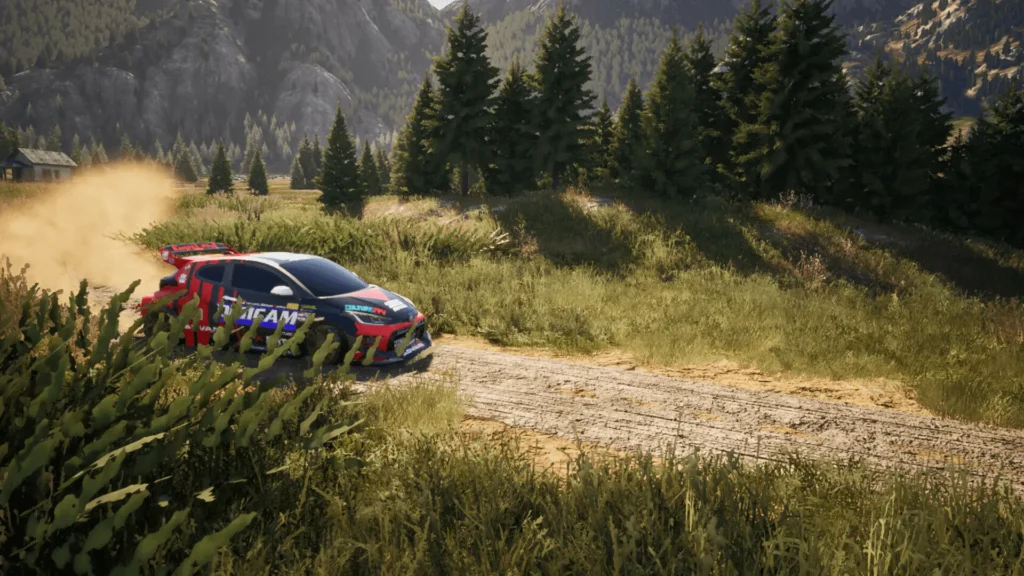
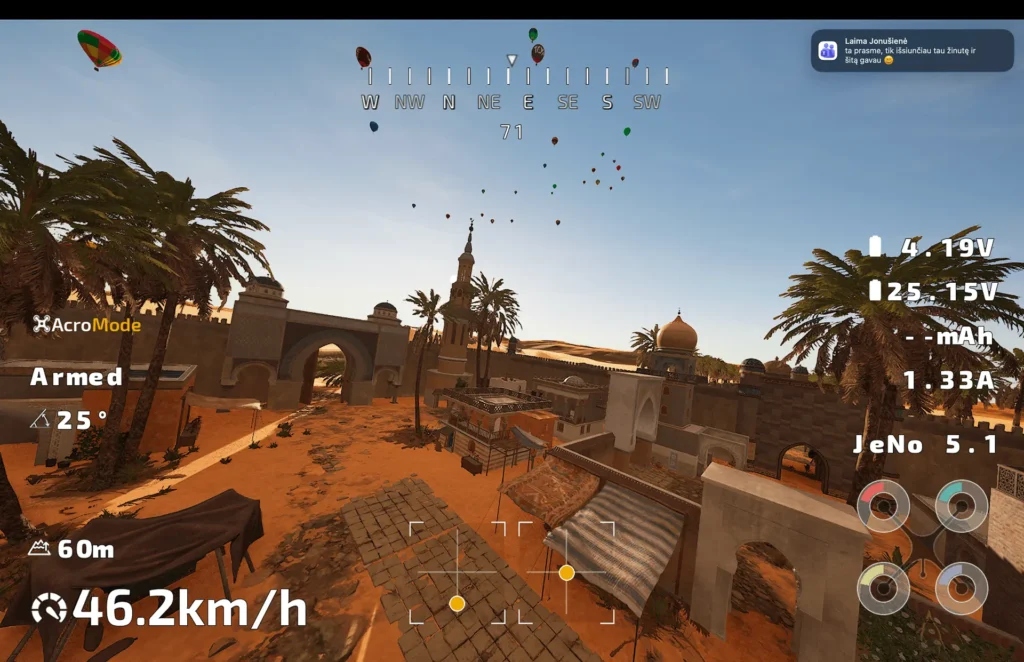
If I understand correctly, TRYP FPV is one of the newer major FPV simulators. Like Uncrashed, it focuses less on racing and more on freestyle and cinematic-style flying. If you’ve ever watched FPV videos where the pilot flies between trees, through mountains, around cars, or even chases motorcycles, TRYP FPV is designed specifically to help you develop the skills needed for this kind of flying.
Graphics: Some of the best among FPV simulators. The environments are very detailed, modern, and visually impressive. The maps often feel more like environments from a modern video game than those in a traditional FPV simulator. However, all that visual detail comes at a cost: pilots with less powerful computers may run into performance issues.
Realism: Realistic enough for practicing FPV skills. In addition, the simulator includes various moving objects that you can follow, similar to what you might do when filming with a real FPV drone.
Drone selection: A few drones are available, but you can also build your own and adjust its main parameters.
Track selection: Quite large. The maps are big and beautiful, and some are based on real-world locations. This is one of TRYP FPV’s strongest areas.
Online multiplayer: Yes. However, just like with Uncrashed, multiplayer isn’t the main focus of TRYP FPV.
Popular among: Freestyle and cinematic-style pilots.
Available on: Steam
Price (September 2026)*: $16.99
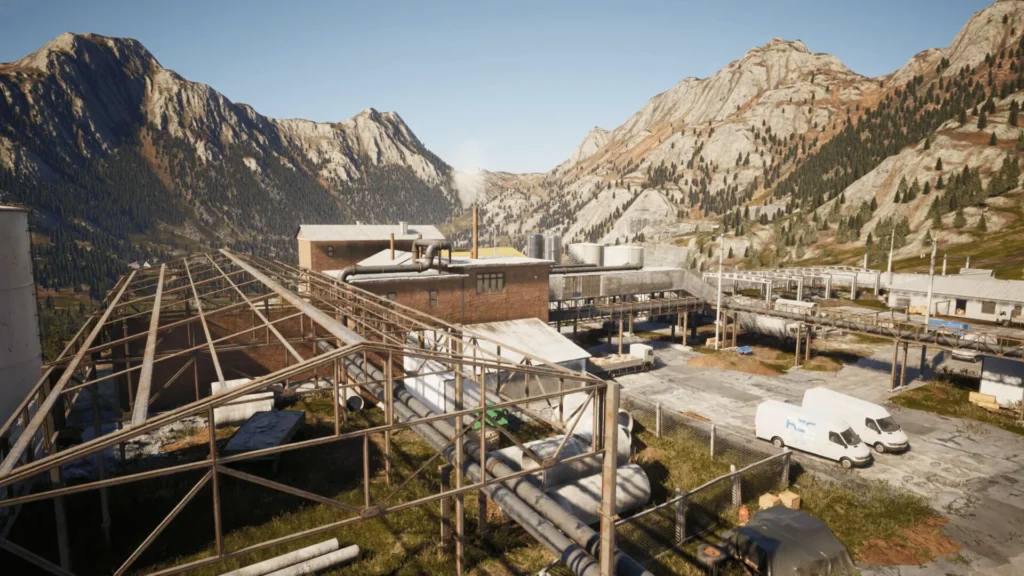
A short video:
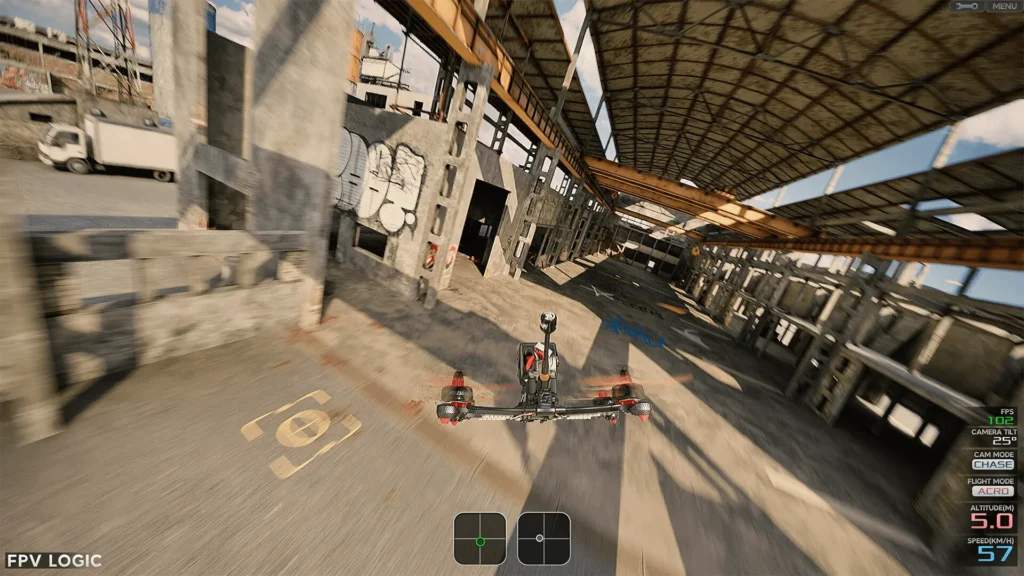
FPV logic
FPV Logic is a lesser-known but very interesting FPV simulator. Its focus is on providing a realistic FPV feel and detailed drone physics. Although its community is smaller than those of Liftoff or VelociDrone, the simulator has built a dedicated following.
Graphics: Modern and pleasant to look at, although graphics aren’t the simulator’s main focus.
Realism: One of the simulator’s strongest features. Some pilots prefer its flight feel to Liftoff’s.
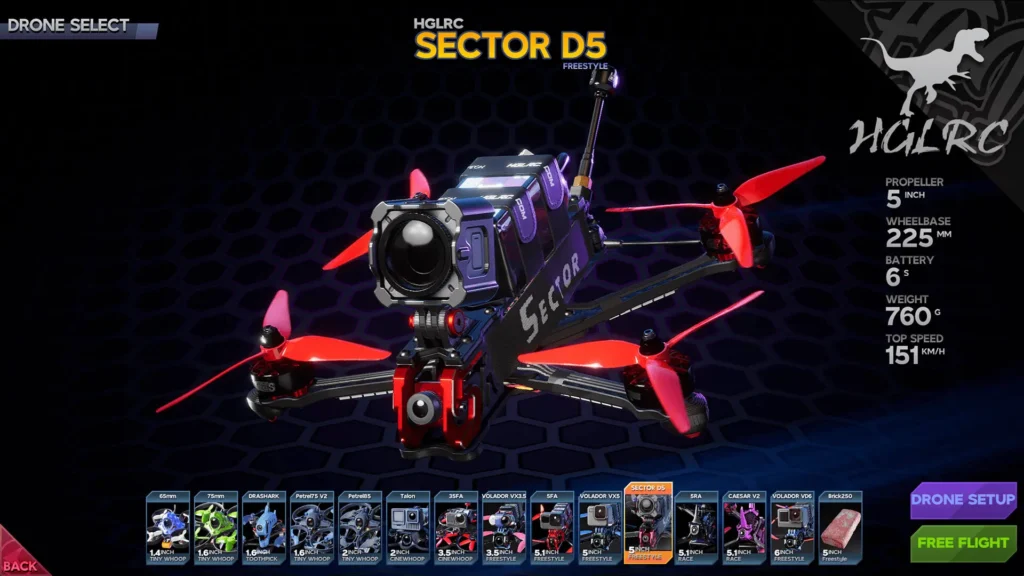
Drone selection: Not particularly broad (I counted over 10), but definitely enough to get started. Some parameters can also be adjusted.
Track selection: There aren’t as many maps as in the major simulators, but most of them are well suited for freestyle flying.
Online multiplayer: Available, but the community is relatively small, so it may take a little more effort to find someone to fly with.
Popular among: Freestyle pilots and FPV enthusiasts.
Available on: Steam
Price (September 2026)*: $19.99
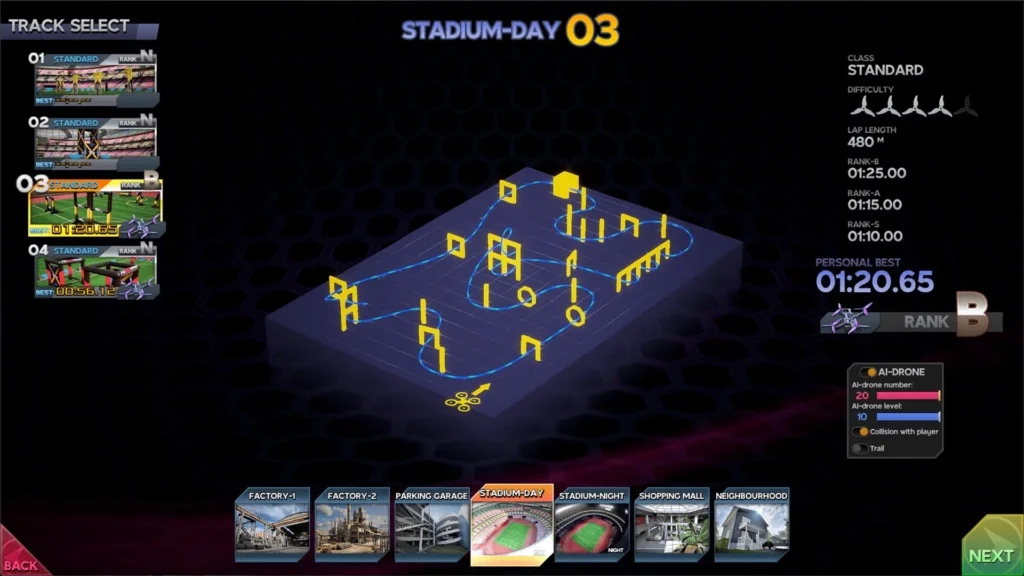
A short video:
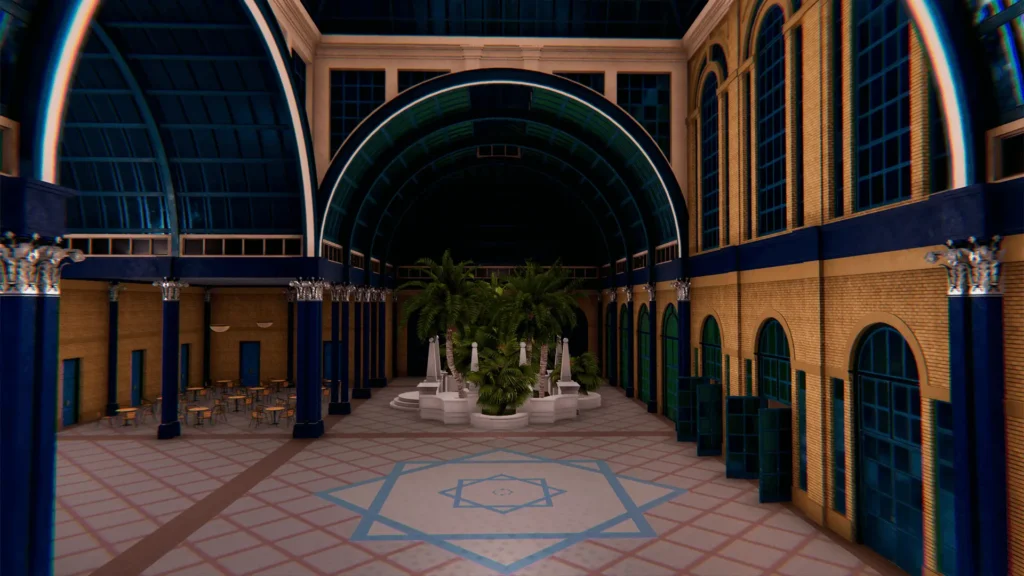
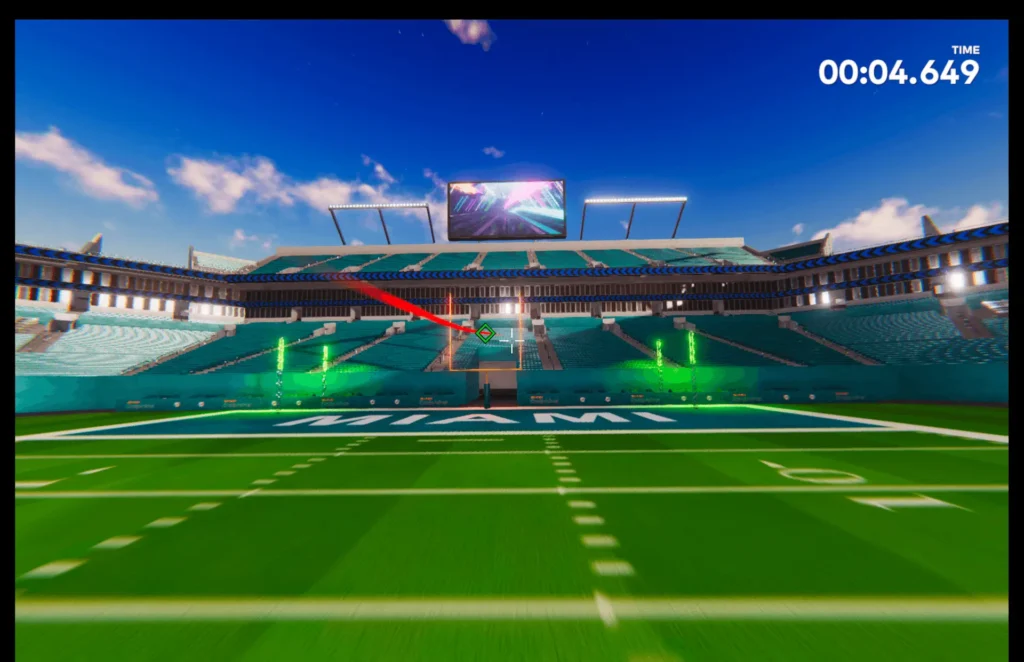
The Drone Racing League Simulator
DRL Simulator is the official FPV simulator of the Drone Racing League. I’m not sure how active DRL itself is these days, but the simulator can still be found on gaming platforms. Although the name might make it seem like it’s designed purely for racing, it’s actually a fairly versatile simulator where you can learn basic FPV skills as well as practice on challenging racing tracks. One of its biggest advantages is its well-developed learning system.
Graphics: Graphics aren’t this simulator’s strongest point.
Realism: The physics are good and realistic enough for learning.
Drone selection: I counted over 30, which is definitely quite a lot. Unfortunately, the online mode doesn’t work for me (at least as of June 2026), and I couldn’t find a way to build my own drone. However, I’ve seen older YouTube videos showing people configuring their drones.
Track selection: Large. You can also find official DRL racing tracks here.
Online multiplayer: Theoretically, yes. However, since the beginning of 2026, I’ve seen many reports online that the multiplayer functionality no longer works.
Popular among: Beginner FPV pilots.
Available on:
Price (September 2026)*: $9.99 (Steam)

A short video:
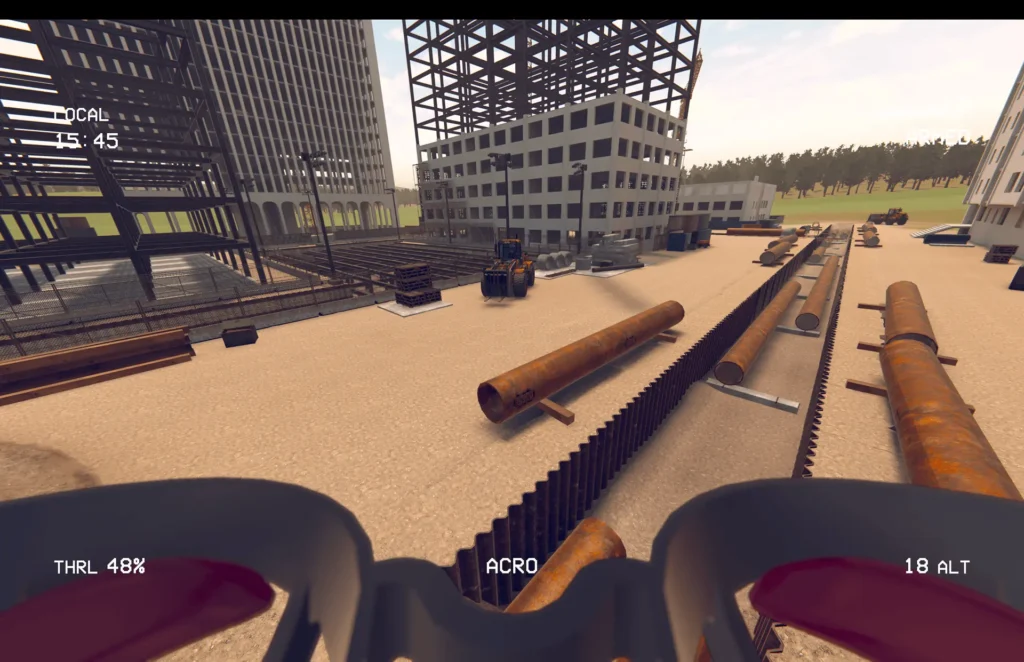
FPV SkyDive : FPV Drone Simulator
FPV SkyDive is a free FPV simulator, often recommended to people who aren’t yet sure whether they’ll enjoy the FPV hobby. While it doesn’t really stand out in any of the areas we’ve been comparing, it’s free, so I can definitely recommend it for at least your first few hours. There is, of course, a catch — a weaker simulator might fail to spark your interest in the hobby and could even put you off FPV altogether.
Graphics: The graphics are fairly simple and fall behind those of paid competitors.
Realism: More than sufficient for a beginner. However, an experienced pilot might find it a bit boring.
Drone selection: Rather limited.
Track selection: Only a few tracks.
Online multiplayer: Yes. However, I haven’t tried it myself.
Popular among: Complete beginners and those who don’t want to invest in a paid simulator.
Available on: Steam
Price (September 2026)*: Free. Paid DLC is available for additional tracks and drones.
A short video:
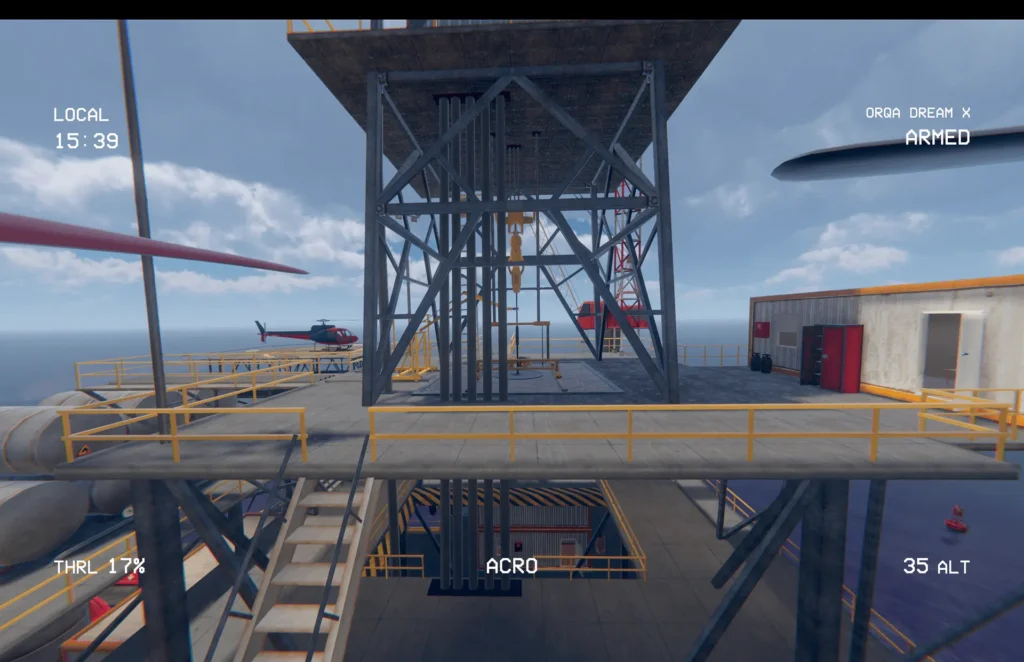
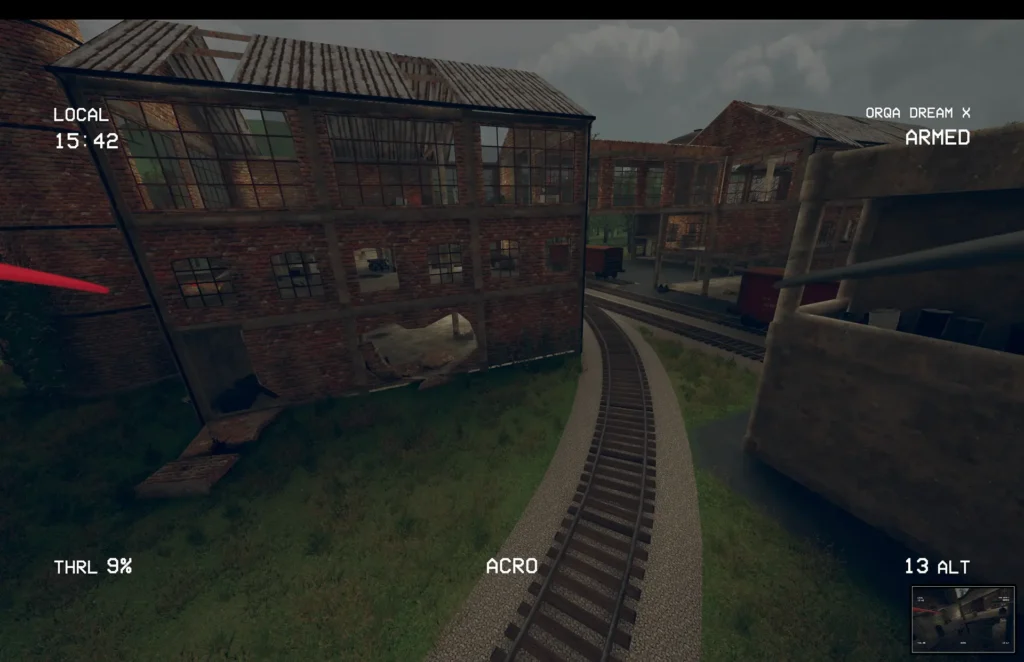
Firehawk FPV: Drone Fighter
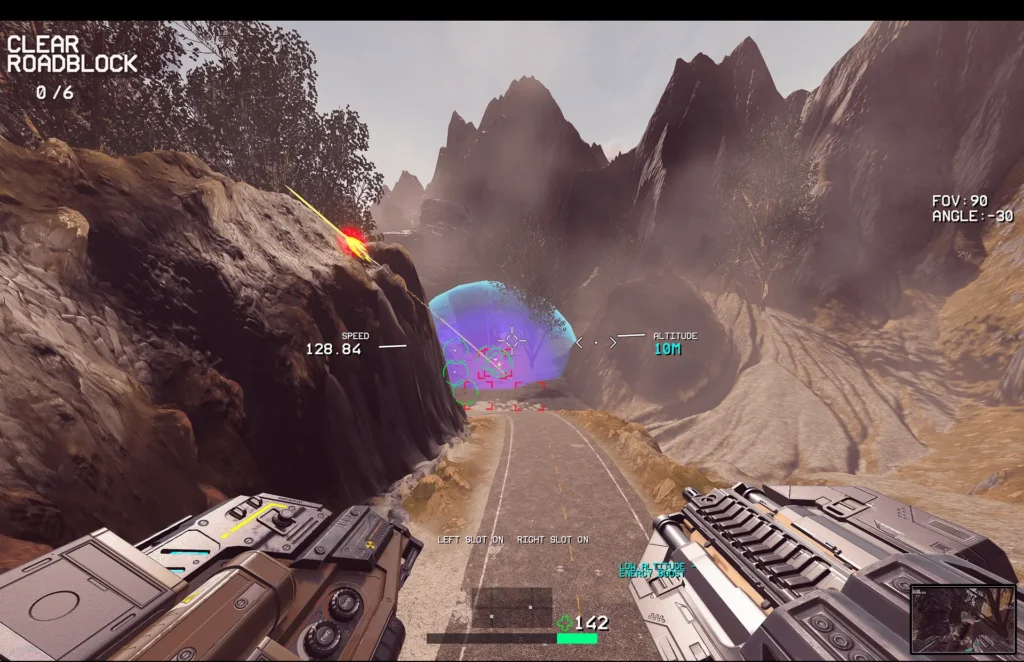
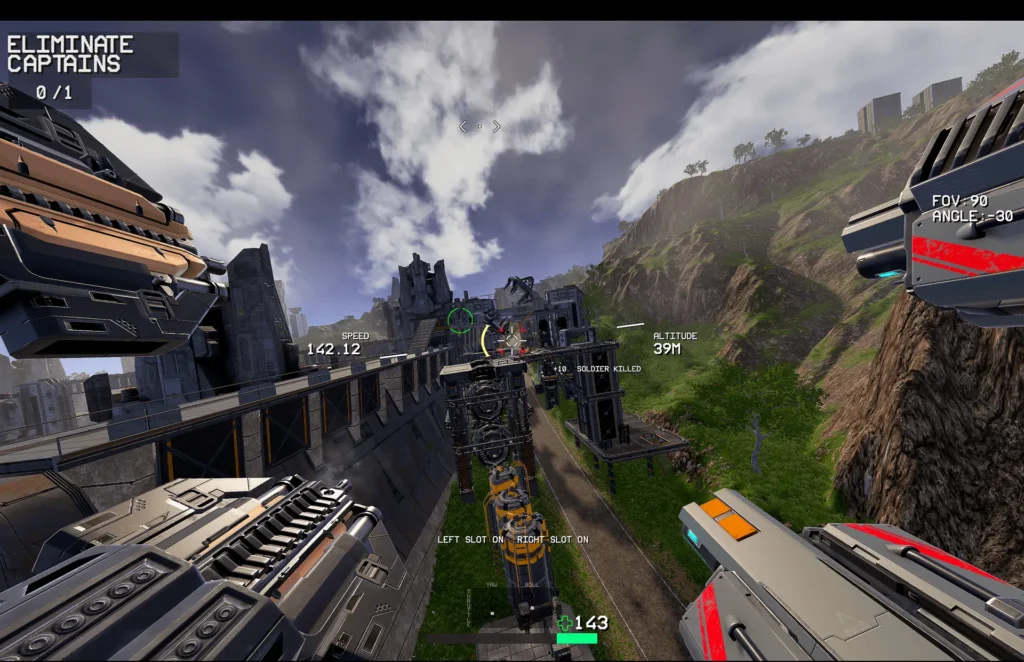
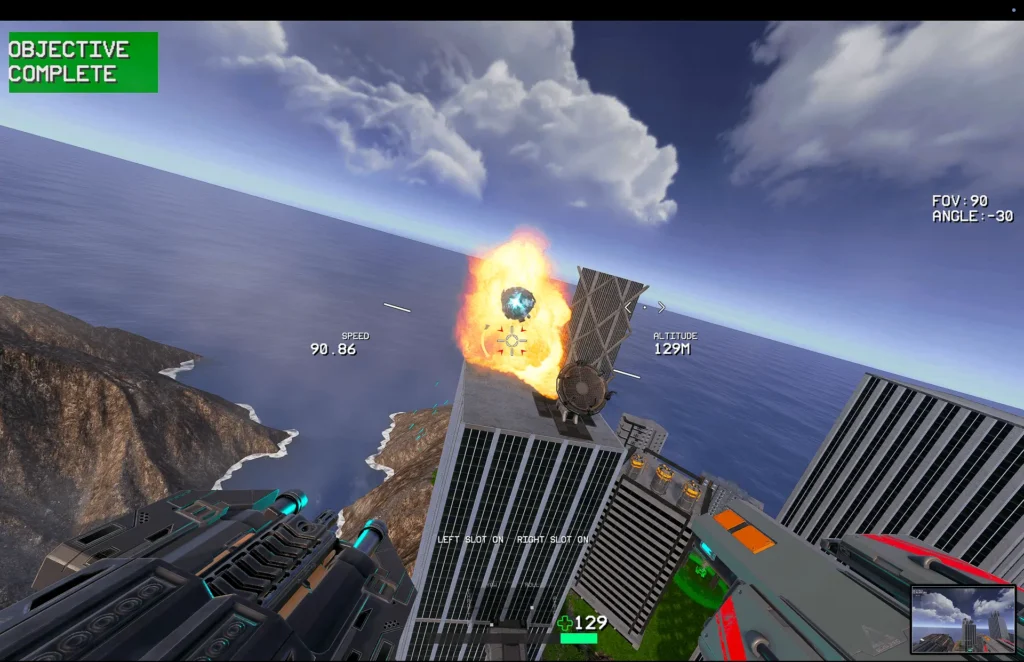
Firehawk FPV: Drone Fighter stands out from the traditional FPV simulators on this list. It’s not so much a classic training simulator as an FPV combat game that combines FPV controls with aerial combat and weapons.
Graphics: Modern and visually appealing. The environments are full of action, explosions, enemies, and various effects. Visually, it feels more like a modern action game than a traditional FPV simulator — because that’s essentially what it is.
Realism: The developers claim realistic FPV controls and physics, but the main point here is having fun.
Drone selection: The game features sci-fi combat FPV drones that can be upgraded and equipped with various weapons and other improvements.
Track selection: Instead of racing tracks, you’ll find combat missions, enemy bases, and futuristic battle zones.
Online multiplayer: I couldn’t find a multiplayer mode.
Popular among: FPV pilots looking for something different.
Available on: Steam
Price (September 2026)*: $19.99
A short video:
DJI simulator
And finally — something even more different. This simulator is designed for camera drone owners using DJI controllers. If you have a controller with a built-in screen, such as the DJI RC 2 or DJI RC Pro 2, you’ll find the simulator in the DJI Fly app. If you use a controller with a smartphone, the feature is also available through DJI Fly.
The point here is to learn how to control a camera drone, which is completely different from flying an FPV drone. I once heard a great comment from a salesperson at a drone store: “I’ve been flying drones for five years, but I have absolutely no idea how to fly an FPV drone.” That perfectly illustrates just how different the two types of flying are.
Graphics: Very simple.
Realism: Sufficient for learning the basic skills needed to control a camera drone.
Drone selection: A few DJI drones.
Track selection: Limited.
Online multiplayer: No.
Popular among: Beginner camera drone pilots.
Available on: Through DJI Fly, either on a compatible controller with a built-in screen or on a smartphone. You may need to update the app first.
Price (September 2026)*: Free
A short video:
Other FPV simulators
There are plenty of other FPV simulators out there. Unfortunately, I haven’t had the chance to try most of them yet.
- FPV Simulator (Xbox, PlayStation)
- Drone Simulator: SMASH ZOMBIES (PlayStation)
- Kamikaze Strike: FPV Drone (PlayStation, Steam)
- Zero-G-Racer (PlayStation) — I honestly never figured out how to control a drone. 🙂
- DCL – The Game (PlayStation, Xbox, Steam)
- FPV Freerider (Steam)
- EreaDrone (Steam)
- AI Drone Simulator (Steam)
- CurryKitten (Steam)
- FlowState (Steam)
- Tiny Whoop GO (tinywhoopgo.com)
I’m also really looking forward to Sky Safari: FPV Drone (Steam, PlayStation), a simulator focused purely on filming. Even though the title includes “FPV Drone,” judging by the trailer, it looks more like a camera drone simulator to me. And I really want to learn how to capture some beautiful shots.
What an FPV simulator doesn’t teach you
It’s very important to understand that no matter how much time you spend in an FPV simulator, and no matter how closely its physics match reality, it is not a real FPV drone.
Although learning to control the drone is the hardest part at the very beginning, mastering the controls is only the first step. Some simulators, such as Liftoff, are regularly updated with additional features that simulate real-world conditions, including wind and battery management. Even then, it’s still not the same as actually flying a drone.
In a simulator, you don’t have to deal with video or radio signal interference, stress, or the fear of crashing your drone — and a single real-world crash can easily cost you $100 or more.
Which FPV simulator do I recommend?
If I had to choose just a few simulators, I would definitely go with the first three — VelociDrone, Liftoff, and Uncrashed. If someone made me delete everything and keep only one, I’d choose Liftoff, although lately I’ve been flying VelociDrone more and more often.
In my opinion, Liftoff’s attractive graphics and variety of track layouts will satisfy the needs of most beginner pilots — including me.
However, if you already know that your goal is to become an FPV racer, I’d choose VelociDrone.
Leave a Reply